Fullscreen Borders/Custom Borders
During development, I had the idea to implement fullscreen borders, inspired by both the Legacy Collection’s system of borders, as well as other games with non-widescreen resolutions, like Undertale. In fact, the initial test border was Legacy Collection’s Mega Man 2 border.
Initially, I was concerned about the initial consequences of implementing borders; thankfully the effects seemed mostly harmless, with two exceptions:
The first was that it actually completely broke in Game Maker Studio 1.4.9999. For reference, we use 1.4.1804, the release just before 1.4.9999, as our release candidate, due to a few quirks such as sound issues, but some devteam develop on 1.4.9999 due to it being all that’s available to them. Between the two versions though, the base GUI code was changed to be more consistent cross-platform.

The second wasn’t actually discovered until shortly after release! As a result of the default blend mode, the application surface was blending in transparency with the black drawn to the screen before drawing the game. This caused a number of transparency effects, including fadein/fadeout, to appear darker than they usually would have during the entry period. This was fixed in future releases to be as accurate to the entry period as possible. As a consequence though, some main game cutscenes have lighter fading effects than may have been intended, though a couple did receive adjustments where it was egregious. (Thanks to custom costume makers helping me discover this bug btw!)
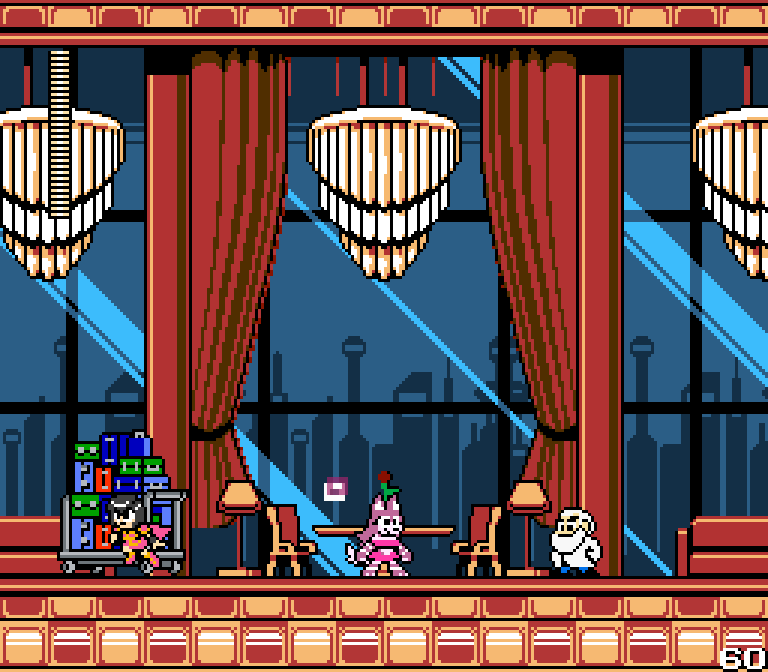
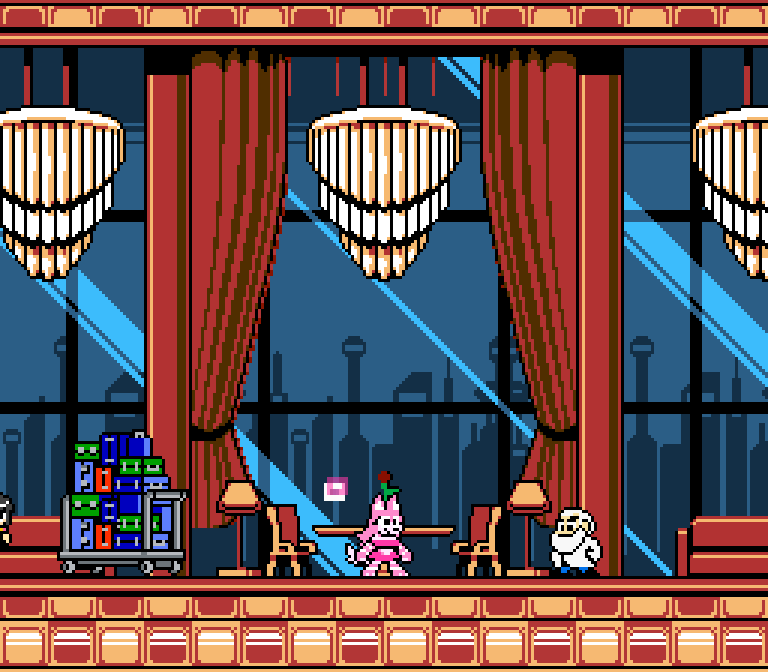
A big shout out to The Stove Guy for his addition of the Game-UI, Yoshiatom for the various options applied to border artwork to reduce vibrancy, and a major thank you to Karakato for making the vast majority of the new artwork present.